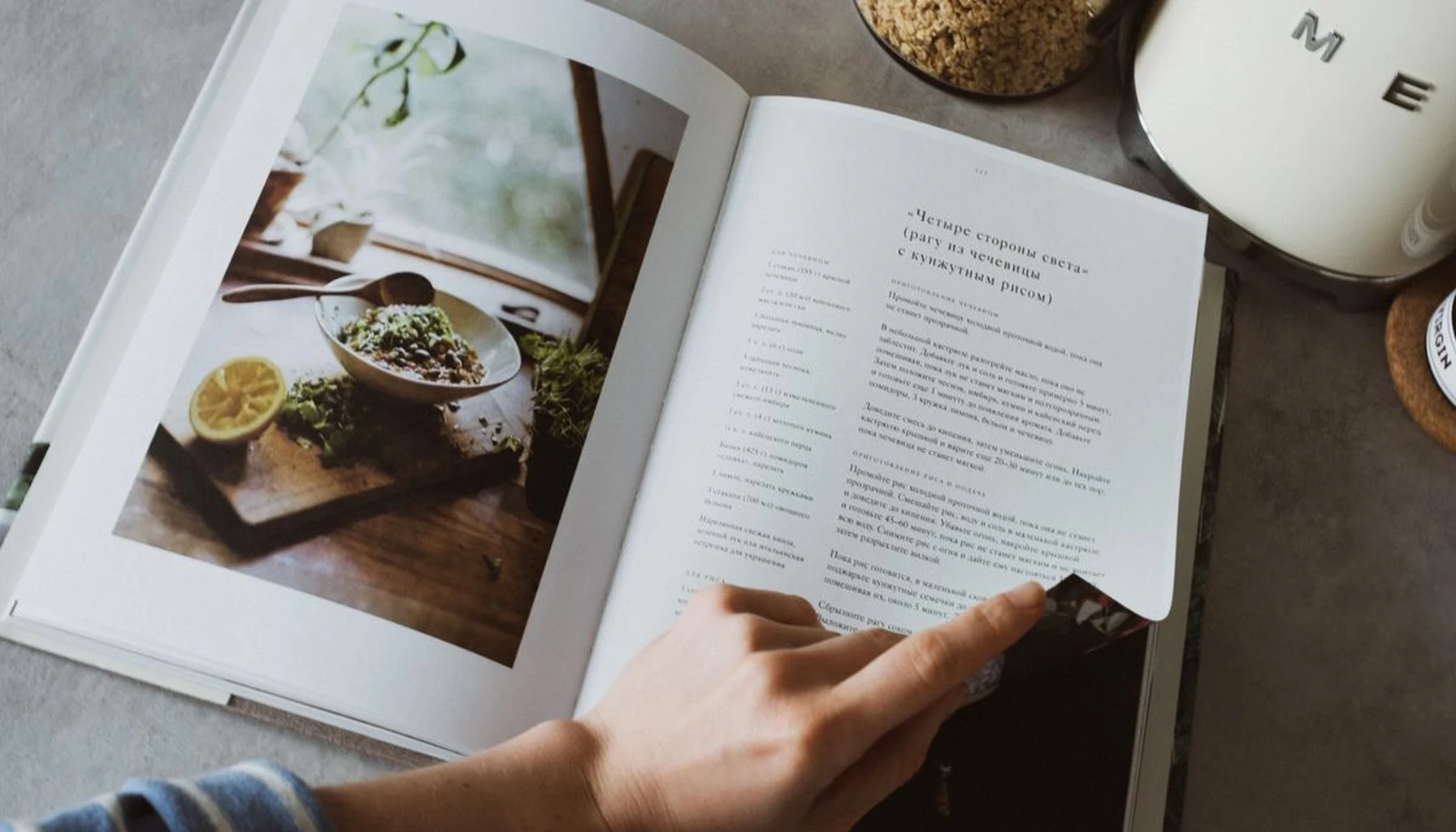
Who Actually Owns Your Grandmother’s Recipes?
That box of handwritten recipe cards in your kitchen — who really controls it?
You do, physically. But the moment you type one into an app, that can change. Many recipe apps keep what you add on company servers, and some earn money from ads or analytics, so it is worth reading an app’s privacy policy before you hand over your family’s originals.
This is the uncomfortable trade-off in digitizing family recipes in 2026: some solutions trade your privacy for convenience, and some charge you monthly for the privilege.
A tool that promises to “save your recipes forever” may keep them on someone else’s infrastructure, which means you depend on that company staying in business and keeping its terms the same.
Let me show you how to digitize handwritten recipes without selling your family’s legacy to a subscription service.
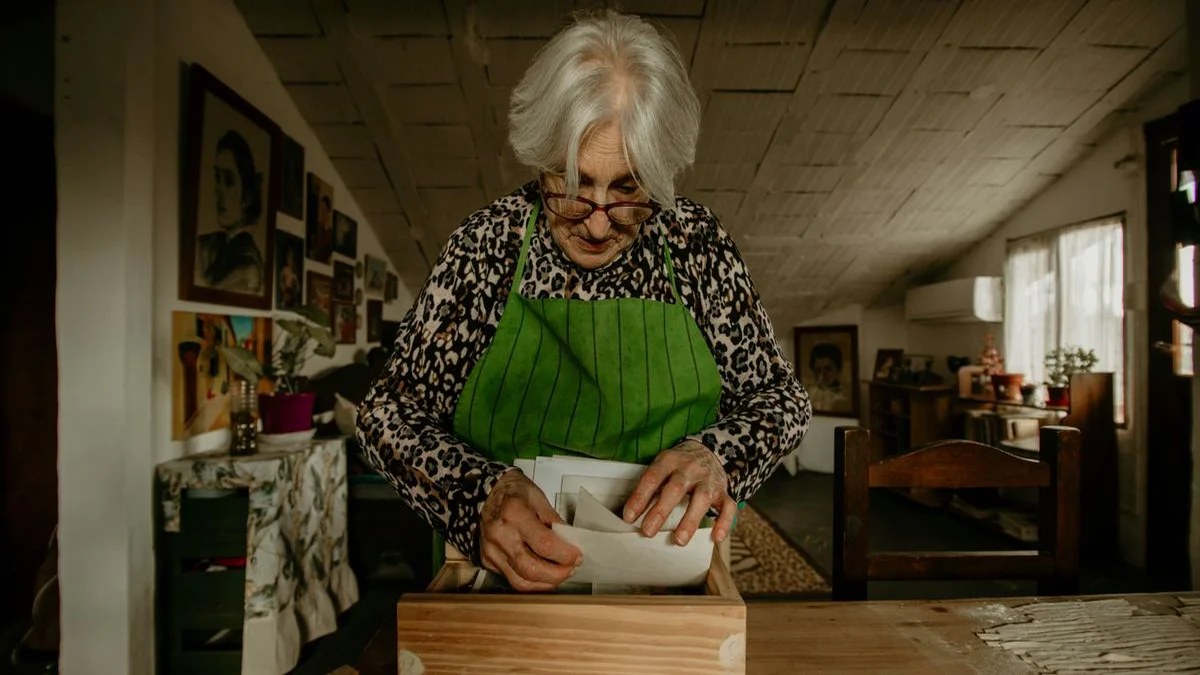
Why Scanning Recipe Cards Is Different From Scanning Documents
A receipt scanner extracts text and discards the original. Recipe preservation shouldn’t work that way.
The handwriting matters. The coffee stain in the corner matters. The note your aunt scribbled in the margin — “add extra vanilla, trust me” — that’s the soul of the recipe. Lose the original context, and you’ve lost something irreplaceable.
Here’s what most people get wrong when they start scanning family recipes:
- They use generic document scanners: Single-page PDFs with no metadata
- They type over the original: Losing the handwriting’s character and emotion
- They don’t tag anything: Six months later, they can’t find “the one with the chocolate”
- They trust cloud backups implicitly: The company could shut down or change terms
The right approach treats each recipe as a historical artifact, not a data entry problem. You’re preserving a primary source document, not just extracting ingredients.
An app does not need your recipes on its servers to help you organize them. Whether it processes images on the device or uploads them is a design choice, and the app’s privacy policy should tell you which it does.
The 5-Step System for Digitizing Your Family Recipe Collection
Here’s a five-step framework. It works for a shoebox of cards, a three-ring binder, or a stack of newspaper clippings your grandmother saved.
Step 1: Photograph, Don’t Scan
Flatbed scanners are slow and inconvenient. Your phone camera is quicker — but only if you use it correctly.
- Place the recipe card on a flat, non-reflective surface
- Use indirect natural light (no flash — it washes out pencil marks)
- Hold the phone parallel to the card, not angled
- Capture the entire card including tear lines and folded edges
The goal is to preserve the physical artifact digitally. That means capturing the texture of the paper, the pressure of the pen, the yellowing at the edges. These details carry meaning that plain text extraction misses entirely.
If you do use a scanner, the National Archives advises against automatic-feed scanners for fragile items, because paper can jam and tear. A flatbed is the safer choice for old cards and clippings.
Take multiple shots if the card has writing on both sides. Name the files with a consistent pattern before you do anything else: “LastName_RecipeName_Date.” The National Archives suggests plain letters with hyphens or underscores instead of spaces and symbols, which keeps file names readable on any system.
Step 2: Extract the Text Thoughtfully
This is where most guides tell you to use an OCR app and call it done. Don’t.
Text-recognition (OCR) tools vary in accuracy, and some send your images to remote servers to do it. Check a tool’s privacy terms before your grandmother’s handwriting becomes training data for someone else’s AI.
The better approach: use text recognition that runs on your own device where you can. Some phones include it; Apple, for example, says Live Text works on iPhone XS, iPhone XR or later with iOS 15 or later. Check the vendor’s privacy information to see whether images stay on the device. The extraction won’t be perfect for ornate cursive, but it will give you a solid starting point.
A few things to know about handwritten recipe OCR:
- It struggles with stains, folds, and overlapping text
- It tends to do better with block-printed ingredient lists than with cursive
- It can misread measurements, so “tsp” may turn into “15p” and “1/2” into “V2”
- Never accept OCR output without manual review
Pro tip: Type the recipe title and key details yourself. OCR the ingredient list for speed, then proofread. Cook the recipe once and correct any errors you find: a test run is a good way to catch mistakes that proofreading misses.
Step 3: Tag Everything by Context, Not Just Category
Most people tag recipes by type — “dessert,” “main course,” “appetizer.” That’s better than nothing, but it misses the point of family recipes entirely.
Tag by the relationships and memories embedded in each one:
- Who gave it to you: “Aunt Marie,” “Neighbor Betty”
- Where it came from: “Grandma’s house,” “Church potluck 1987”
- When it’s used: “Christmas morning,” “Summer cookouts”
- The story behind it: “Dad’s camping specialty,” “The one mom burned twice”
This contextual tagging transforms a simple recipe collection into a family archive. You stop searching for “chicken recipes” and start searching for “Aunt Marie’s contributions to Thanksgiving.”
Tags like these make it easier to rediscover recipes you had forgotten, the ones tied to specific holidays and to people you haven’t thought about in years. The tags become a map of your family’s food history, not just a filing system.
Step 4: Build a Local-Only Master Archive
Here’s the hard truth about cloud-based recipe services: they can disappear.
Online services can shut down, be acquired, or change their pricing, and the files you uploaded may not come with you. The National Archives makes a related point: keep your originals after you digitize them, because digital files carry preservation risks of their own and can easily be lost.
A proper archive needs to be:
- Stored on your device: The master copy lives where you can touch it
- Backed up to your own storage: An external drive or a folder in your personal cloud
- Formatted for portability: PDF or plain text exports so no app can hold it hostage
- Syndicated across your family’s devices: Each person gets a local copy, not a shared login
For backups, the National Archives suggests the 3-2-1 rule: three copies, on two different kinds of storage, with one copy kept off-site. The Library of Congress adds that you should check your files at least once a year to make sure they still open.
The last point matters more than most people realize. Family recipes are meant to be shared. But sharing shouldn’t mean “everyone logs into my account.” The right architecture gives each family member their own local copy that stays synced on their terms.
We believe lifestyle tools should work offline by default. Here’s why: when you’re cooking in the kitchen, you don’t want to wait for a server response. When you’re at a family gathering, you might not have reliable cell service. When the company behind the app changes its mind about what features matter, you still have your data.

Step 5: Scale the Process Across Generations
The hardest part of digitizing family recipes isn’t the technology — it’s the family.
Getting everyone on the same system requires patience and clear roles. Here are four roles that can help:
The photographer: One person takes photos of every recipe card in existence. This is a weekend project, not an ongoing task.
The tagger: Someone who knows the family history adds context — who made this, when, for what occasion. This is where you interview older relatives while they’re still around to answer questions.
The tester: The person who actually cooks from each digitized recipe to catch OCR errors and missing steps. Grandmothers’ recipes often assume knowledge that younger generations don’t have.
The archivist: The person who maintains the local storage, creates backups, and ensures the next generation can access everything.
Some services assume that the company providing the service is the rightful custodian of your memories. We disagree. The people who cooked these meals, passed down these cards, and built these traditions — they’re the custodians. The app is just a tool.
The National Archives advises keeping your original cards after you digitize them, because digital files have risks of their own. The window for capturing context, who wrote a card, when and why, is open only while the people who remember are still around to ask.

A Note on Software Philosophy
Here is our view: a subscription gives a company a reason to keep your data inside its service.
That doesn’t make subscription companies evil. They’re just solving a different problem. Their problem is recurring revenue. Your problem is preserving family history.
These two goals can pull in different directions. A subscription service needs you to stay subscribed. A local-first tool needs you to succeed once.
That’s why the architecture matters more than the features. When your recipes live on your device and sync through your own storage, the app can’t hold them hostage. You can switch tools, stop using the app entirely, or pass the whole archive to the next generation on a thumb drive.
No servers to shut down. No accounts to delete. No billing disputes that lock you out of your own memories.
Preserve What Matters Most
Your grandmother’s recipe cards aren’t just ingredient lists. They were written by people you love, and some of those people may no longer be around to explain them. They carry their handwriting, their shorthand, their personality.
Don’t trust that legacy to a company that charges you monthly rent for access.
Digitize your recipes on your terms. Keep the originals safe. Extract the text locally. Tag the memories, not just the ingredients. Build an archive that belongs to your family, not to a SaaS dashboard.
The tools exist today to do this properly. You just have to choose the right approach — one that respects both your privacy and your family’s history.
Ready to start preserving your family’s recipes? Check out our guide to recording family stories before they’re lost. And if you are sorting through a whole home’s worth of keepsakes, how to build a digital family museum before downsizing shows how to keep the stories that go with the objects.
Sources: National Archives, Digitizing Family Papers and Photographs (keep originals, avoid automatic-feed scanners for fragile items, file naming, 3-2-1 backups); Library of Congress, Personal Digital Archiving: Digital Photographs (check files at least once a year); Apple, Copy and translate text from photos on your iPhone or iPad (Live Text device requirements). All checked 7 October 2026.