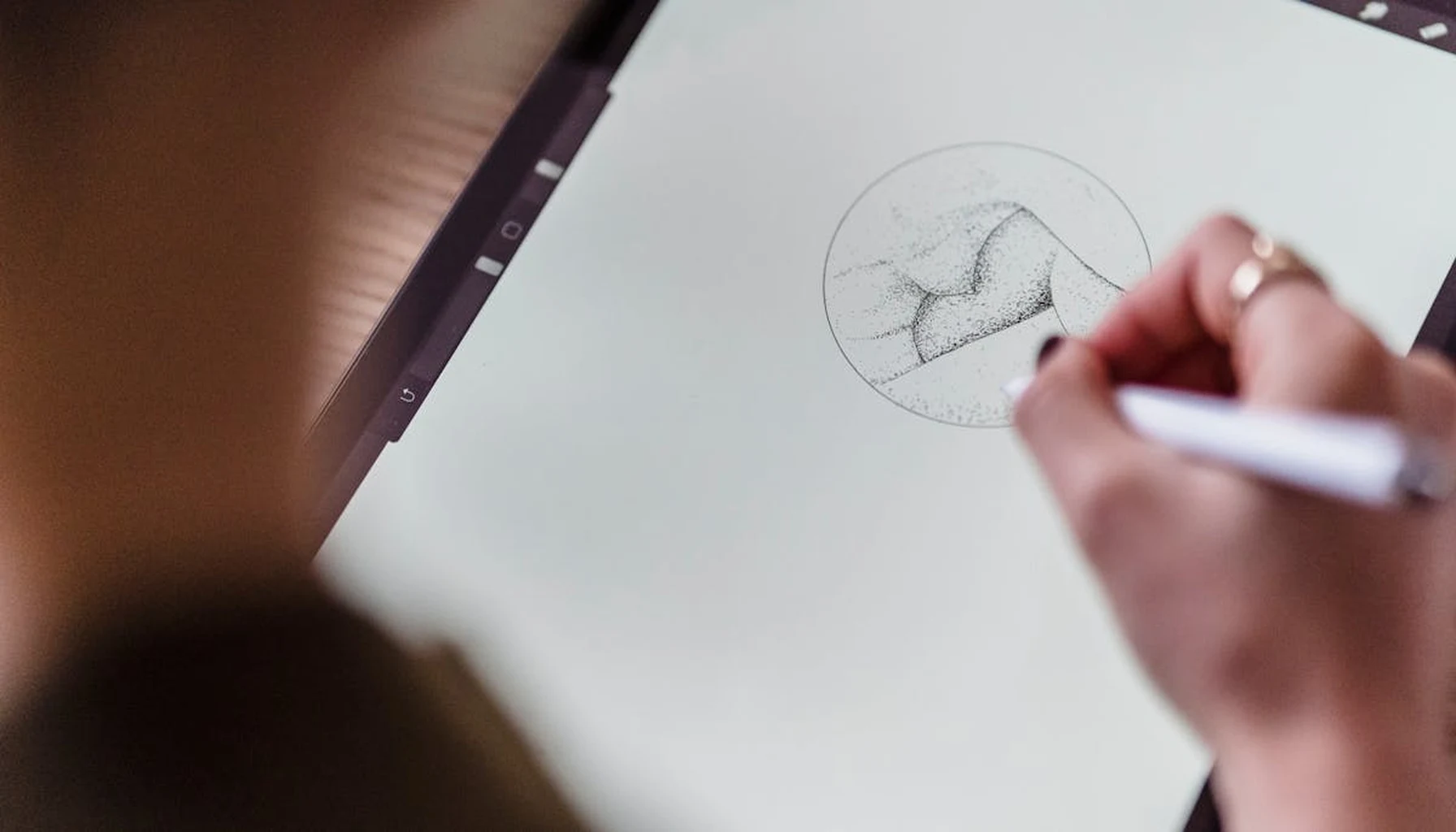
The short answer: the best creative apps for kids turn the screen into a tool for making something that exists outside the app: a drawing, a song, a stop-motion film, a program, a 3D model. Seven real examples, with prices checked on 7 October 2026: Procreate Pocket, Stop Motion Studio, GarageBand, Scratch, ScratchJr, Tinkercad and LEGO Builder.
What If Your Kid’s Screen Time Actually Built Something?
Most parents see screen time as a problem to be managed. We set timers, block apps, and worry about the passive consumption of endless videos and games. But what if the device itself could be the solution? The real issue isn’t the screen—it’s the activity happening on it. The goal isn’t less screen time, but better screen time: time spent creating, not just consuming. Finding the right screen time alternatives for kids creative apps can make all the difference.
The best creative apps for kids turn the tablet or phone into a digital workshop. They leverage the device’s powerful camera, microphone, and touch interface not for entertainment, but for production. The output isn’t a high score; it’s a physical object, a learned skill, or a tangible project they can hold. This shift from consumer to creator is where real value lies, and it starts with choosing the right tools.
The 4 Core Principles of a Truly Creative App
Not all apps labeled “creative” or “educational” are created equal. One pattern stands out when you compare creative apps: the best ones are platforms, not products. They give kids the tools to build their own unique creations, rather than guiding them down a pre-set, gamified path to a predetermined outcome.
A great creative app should embody a few key principles:
- Offline-First Functionality: The app should work in the car, at the cabin, or in the backyard without a Wi-Fi signal. This isn’t just about convenience; it’s about focus. No ads, no notifications, no “recommended videos” to pull them out of their creative flow.
- Tangible Output: The experience should bridge back to the physical world. The ultimate goal is something you can print, build, play with, or share offline. This could be a PDF of trading cards, a sheet of origami instructions, or an MP3 file of a composed song.
- Open-Ended Play: Instead of “beat level 3,” the objective is “design your card,” “compose your tune,” or “build your model.” There are no wrong answers, only iterations and improvements.
- Privacy by Default: Some creative apps assume that a child’s creations are data to be harvested. We believe creative tools should work offline by default. A child’s imagination is personal. Their drawings, stories, and inventions should belong to them, not become fodder for an analytics dashboard.
The most powerful creative tools are those that get out of the way, putting the child’s imagination in the driver’s seat with zero digital baggage.
From Passive Scrolling to Active Creation: 3 App Categories That Deliver
Let’s move from theory to practice. These categories replace passive consumption with active, skill-building creation. Each turns the device into a specialized tool for a specific kind of making.
1. The Digital Design Studio
This category is for the budding artist or entrepreneur. Apps here let kids design real-world items using digital tools.
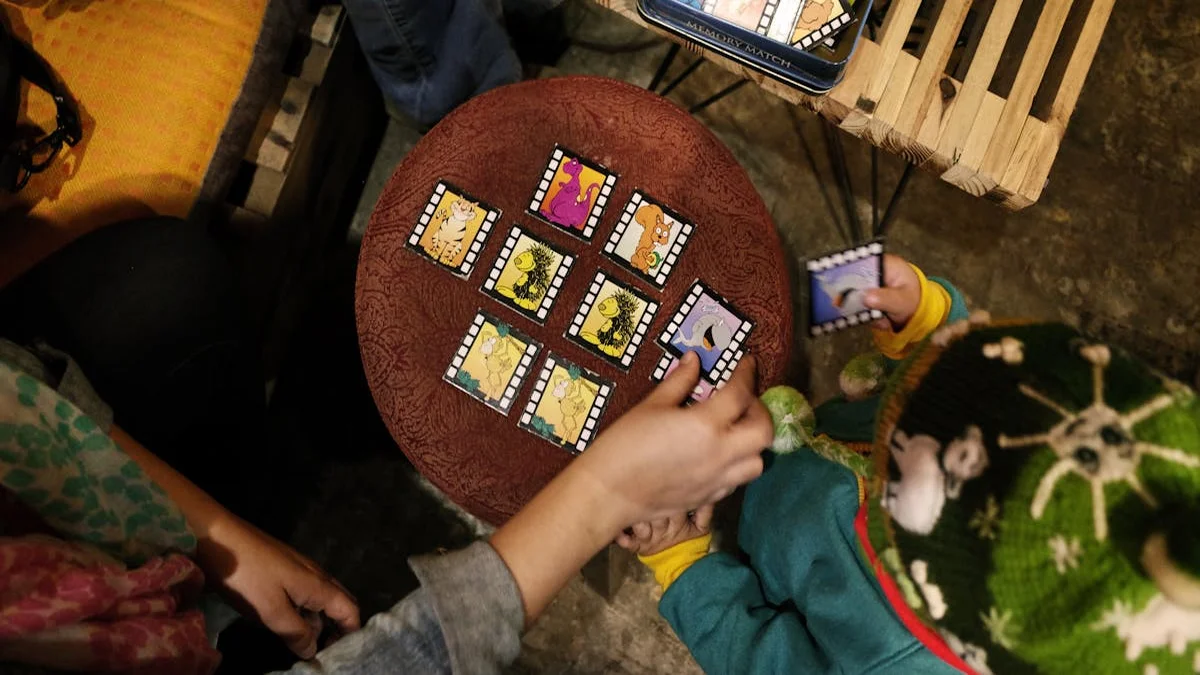
- Trading Card Creators: Imagine an app where a kid snaps a photo of their clay monster or a detailed drawing. They then add stats, a name, and a holographic foil effect, arranging eight unique cards on a sheet to print, cut out, and play with. This teaches basic game design, stat balancing, and graphic layout.
- Comic Book Makers: Using photos or drawings, kids can sequence panels, add speech bubbles, and create multi-page stories. It teaches narrative structure, timing, and visual storytelling. The output is a printable comic book.
- Simple 3D Modeling: Basic apps allow kids to construct digital models block-by-block or shape-by-shape, which can then be viewed from all angles or even exported for 3D printing (with parental help). This introduces spatial reasoning and basic engineering concepts.
The through-line is a professional-grade creative process: conceptualize, design, iterate, and produce.
Real apps to try in this category:
- Procreate Pocket (iPhone only) is a full drawing and painting app, $5.99 once on the App Store, with no subscription. It suits older kids who want to draw characters for their own cards and comics.
- Stop Motion Studio (iPhone and iPad) is free to download, with a one-time “All Features Forever” purchase of $5.99. Its App Store listing says no ads, no tracking and no subscriptions.
- Tinkercad is a free 3D design tool from Autodesk that runs in a web browser, so unlike the other apps here it needs an internet connection.
2. The Music & Sound Laboratory
These apps transform your device into an instrument and recording studio. They move music from something you listen to, to something you make.
- Found Sound Samplers: Kids can record sounds from around the house—a spoon tapping a glass, the crinkle of paper, their own voice—and assign them to a touch-keyboard to compose unique beats and melodies. It trains the ear to find music in everyday life.
- Multi-Track Recorders: Simple versions allow for layering different instrument sounds or vocal tracks. A child can record a rhythm track, then a melody, and hear them play together, teaching the basics of song structure and harmony.
- Visual Sequencers: Using colorful blocks or patterns, kids can create looping musical phrases. This introduces the concepts of rhythm, loops, and composition in an intuitive, visual way that feels more like painting than reading sheet music.
A simple sum: if a child spends three hours a day on screens, that is about 1,100 hours a year. Moving just 10% of it to making things is over 100 hours of project-based practice, with no extra screen time.
Real app to try in this category: GarageBand is free on iPhone and iPad and lets a child record and arrange a song with up to 32 tracks using touch instruments, audio recordings and loops, according to its App Store listing.
3. The Builder’s Workshop
This is for the tactile learner, the future engineer or architect. Apps in this category provide instructions or platforms for physical construction.
- Interactive Origami & Papercraft Guides: Instead of a static YouTube video, these apps provide step-by-step, interactive 3D animations for folding paper or assembling cardstock models. They often include printable templates. This builds patience, fine motor skills, and the ability to follow complex visual instructions.
- Basic Coding Environments: Visual, block-based coding apps (like a simplified Scratch) let kids create simple animations, games, or stories by snapping logic blocks together. This demystifies programming logic, teaching cause-and-effect, problem-solving, and sequential thinking in a playful way.
- Augmented Reality (AR) Builders: Some apps use the camera to project virtual building blocks or structures into your real-world space. Kids can construct a virtual castle on their living room floor, learning scale and design in a immersive way. The key is that the activity is still construction, not just observation.
Real apps to try in this category:
- Scratch is free, and the Scratch app lets you create projects offline on Windows 10+, macOS 10.13+, ChromeOS and Android 6.0+.
- ScratchJr is a free introductory version for children aged 5 to 7, with picture-based blocks for pre-readers.
- LEGO Builder is the free official app for step-by-step 3D LEGO instructions. It needs a stable internet connection, so download or print what you need before a car trip.
Prices checked 7 October 2026.
Each of these categories leverages technology to amplify a child’s innate creativity, providing structure without limiting imagination.
A Worked Example: Designing a Trading Card Empire in 6 Steps
Let’s see how this creative process unfolds with a concrete example. We’ll walk through the steps a child might take using an imagined “digital design studio” app focused on trading cards. It is an illustration of the workflow, not a specific product.
- Concept & Sketch: It starts offline. A child draws their character—a “Solar Squirrel” with rocket-powered acorns—on paper. The creative thinking is analog first.
- Digital Capture: They open the app and use the tablet’s camera to snap a clean photo of their drawing. The app automatically removes the background.
- Stat Creation & Design: Now for the game design. They assign values: Health (45), Attack (Rocknut Barrage: 60), Magic (Solar Flare: 30). They choose a color scheme and add a shimmering “holo” effect to the border.
- Iteration & Playtesting: They make a second card, a “Gloom Badger.” They realize the Badger’s attack is too weak, so they go back and adjust the numbers. This is basic game balancing.
- Physical Production: The app lets them arrange 8 finished cards on a standard letter-sized sheet. They hit print. Minutes later, they are cutting out their cards, a physical deck they invented.
- The Physical Game: The screen is put away. The game now happens on the floor with dice or a simple rock-paper-scissors system they devise. The digital tool facilitated the creation of a wholly analog, social play experience.
This cycle—physical idea, digital refinement, physical output—is the golden loop of productive screen time. The device was a tool in a larger creative project, not the destination.

How to Spot a Truly Productive App (And Avoid the Impostors)
The app store is full of “edutainment” that’s mostly entertainment with a thin educational veneer. Here’s how to tell a truly creative platform from a time-waster in disguise.
| Feature | Productive Creative App | Disguised Game/Time-Waster |
|---|---|---|
| Primary Goal | To create a unique, exportable project. | To complete levels, earn points, or collect in-app rewards. |
| Output | A PDF, image, audio file, or printable template. | A higher score, a new character skin, or progress in a story. |
| Monetization | One-time purchase (or free). No ads during creation. | Free with ads, in-app purchases for “energy” or “gems,” subscriptions. |
| Internet Need | Works entirely offline. Internet only needed for initial download. | Often requires connection for ads, tracking, or “social” features. |
| User’s Role | Designer, composer, architect. The child is in control. | Player, follower, consumer. The app’s path is predetermined. |
| End State | Project is finished, saved, and the app is closed. | The child is prompted to “play next level” or “watch ad for coins.” |
Look for apps that are quiet, focused, and feel more like a tool than a game. The interface should be clean, putting the creative canvas front and center, not a storefront or leaderboard.
5 Practical Steps for Parents to Make the Shift
Transitioning from passive to active screen time doesn’t have to be a battle. It’s about curation and framing.
- Reframe the Device: Present the tablet as a “creation station” or “design tablet.” Have a specific folder for these creative tool apps, separate from games and video platforms.
- Start with a Project: Don’t just say “go play on the creative app.” Suggest a project: “Let’s design a card for Grandma,” or “Can you compose a theme song for your stuffed animal?”
- Embrace the Mess (Digital & Physical): The best creative sessions might end with a printed pile of cards to cut out or paper scraps from a newly built origami crane. The mess is evidence of learning.
- Value the Process, Not Just the Product: Ask about the how and why. “How did you decide on those stats?” or “Why did you choose that sound for the drumbeat?” This reinforces the critical thinking behind the creation.
- Choose Tools That Respect Your Child: Prioritize apps that are private, ad-free, and offline. You’re not just buying a tool; you’re establishing a digital environment that values your child’s autonomy and intellectual property.
The right app doesn’t just occupy your child; it empowers them, teaching them that technology is something you command to build your world, not something that commands your attention.
The search for better screen time ends when we stop seeing the screen as the enemy and start seeing it as the most versatile canvas we’ve ever given our children. It can be a drafting table, a recording studio, a workshop, and a library of interactive instructions. The goal is to fill that canvas with their own ideas, to use the device’s considerable power to amplify their creativity rather than replace it.
When you find those apps—the ones that work anywhere, respect your child’s data, and lead to a tangible result—you’re not just managing minutes. You’re investing in skills, confidence, and the profound understanding that they can be makers, not just users. You’re giving them a toolbox for their imagination.
Ready to transform screen time? Start by exploring apps built on the principles of creation, privacy, and tangible results. Look for tools that celebrate the child as the creator, turning their ideas into real-world projects they can hold, share, and be proud of. The best creative apps are quiet, powerful, and waiting to help your child build something amazing.
If you want a skill-building app that is not a making tool, RankUp Chess is our offline chess academy for kids: free to play, one payment unlocks everything, no ads and no subscription. For more on picking kid-safe apps, see our parent’s guide to protecting kids’ data online and our guide to gamified chore trackers with no subscription.
Sources, all checked 7 October 2026: Procreate Pocket, Stop Motion Studio, Tinkercad, GarageBand, Scratch, ScratchJr and LEGO Builder.